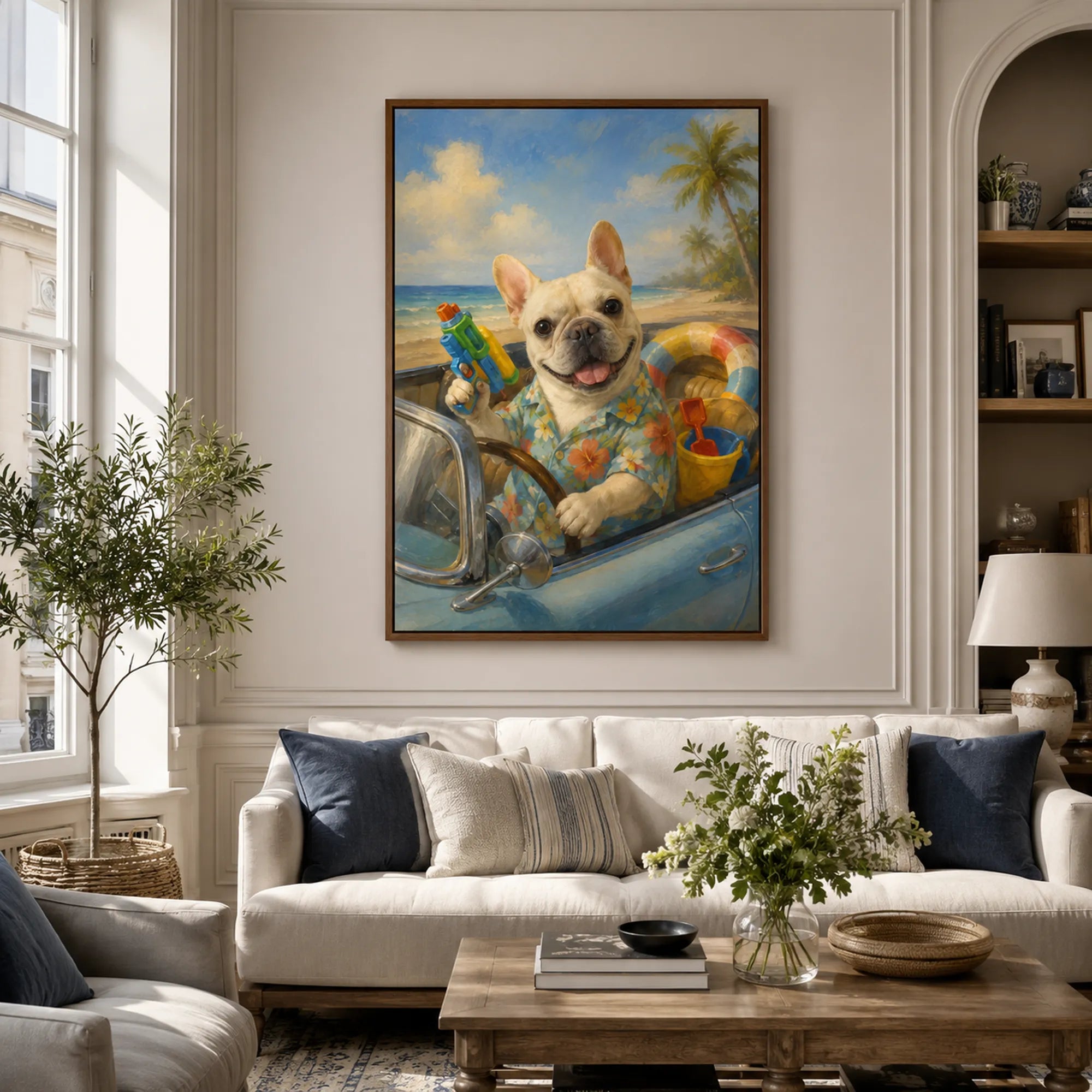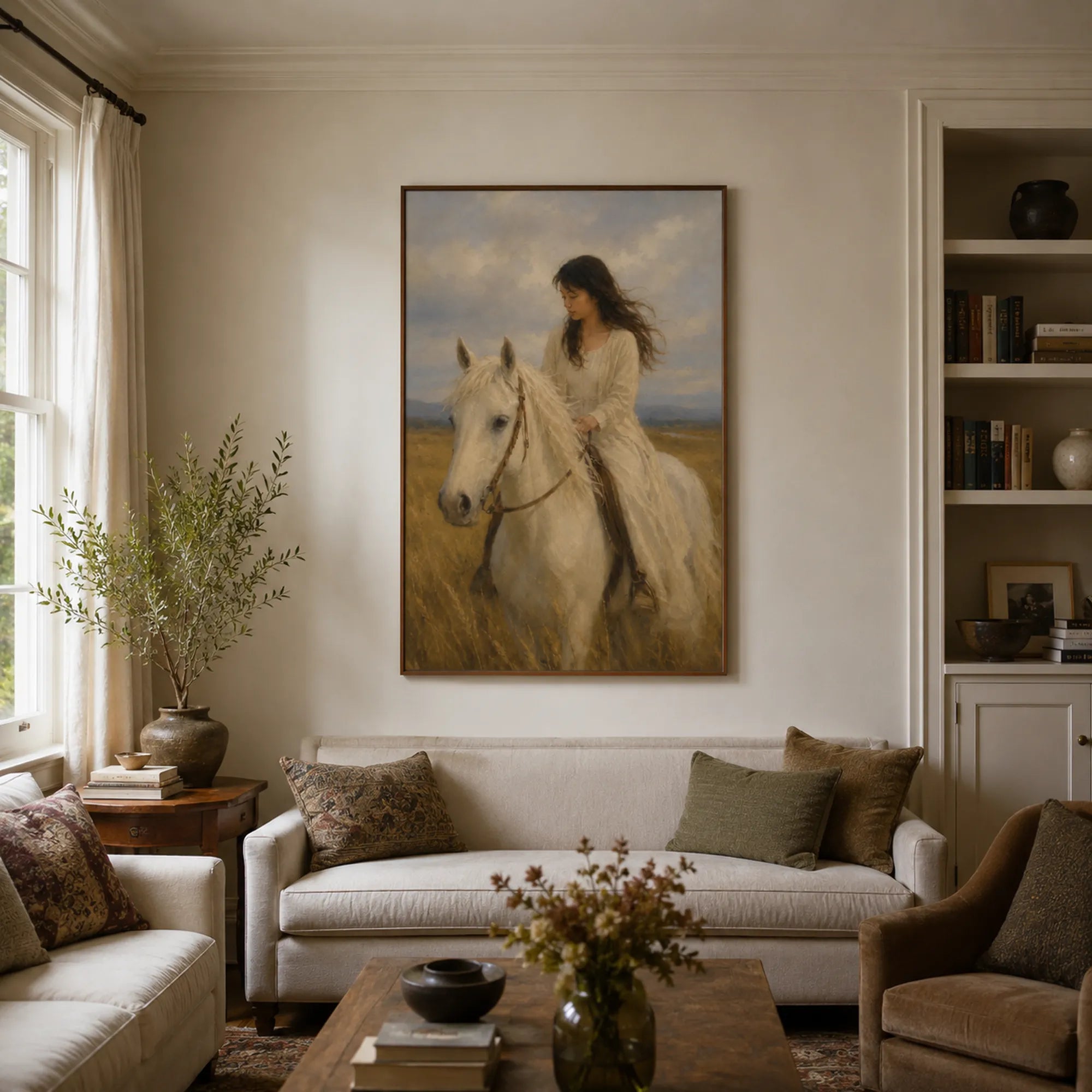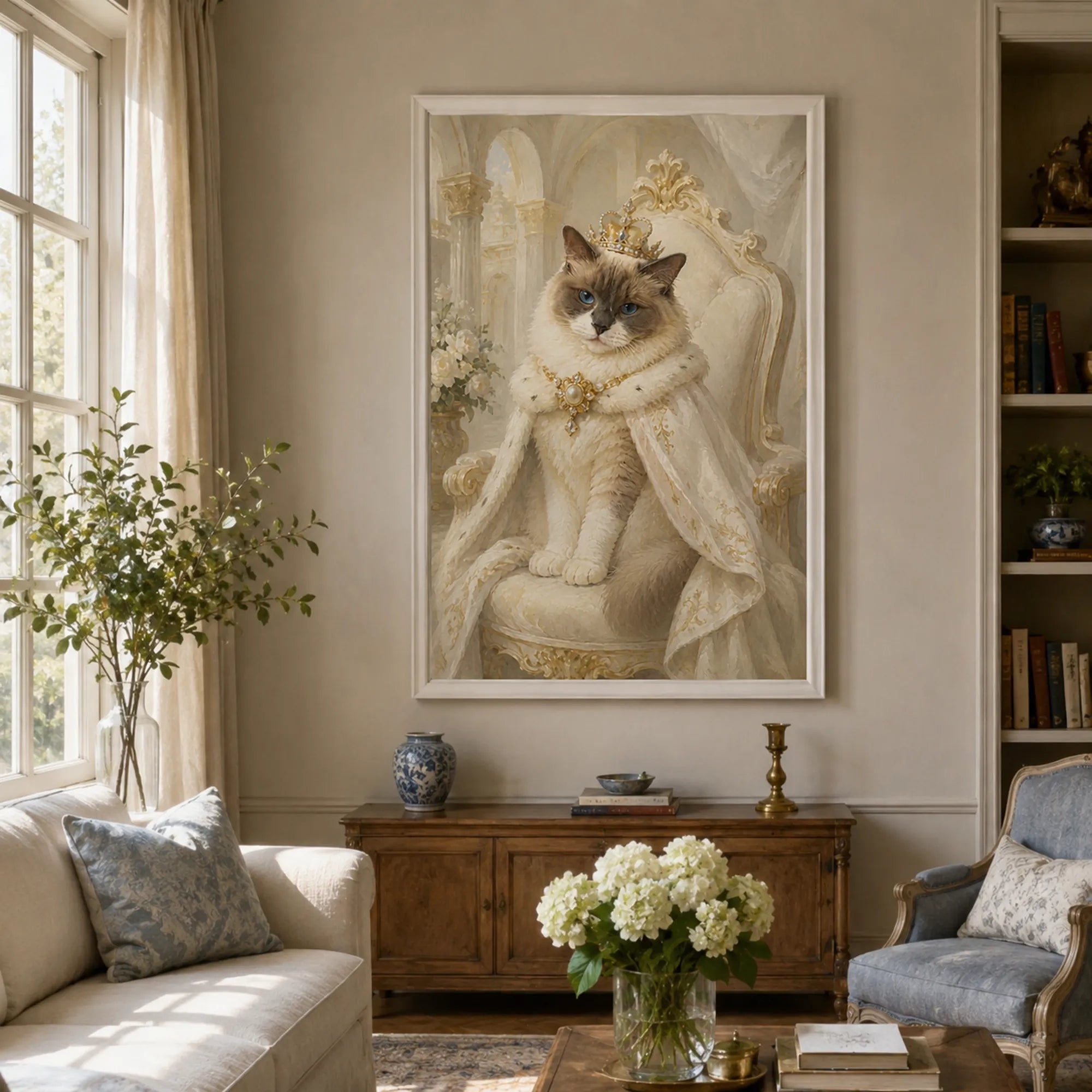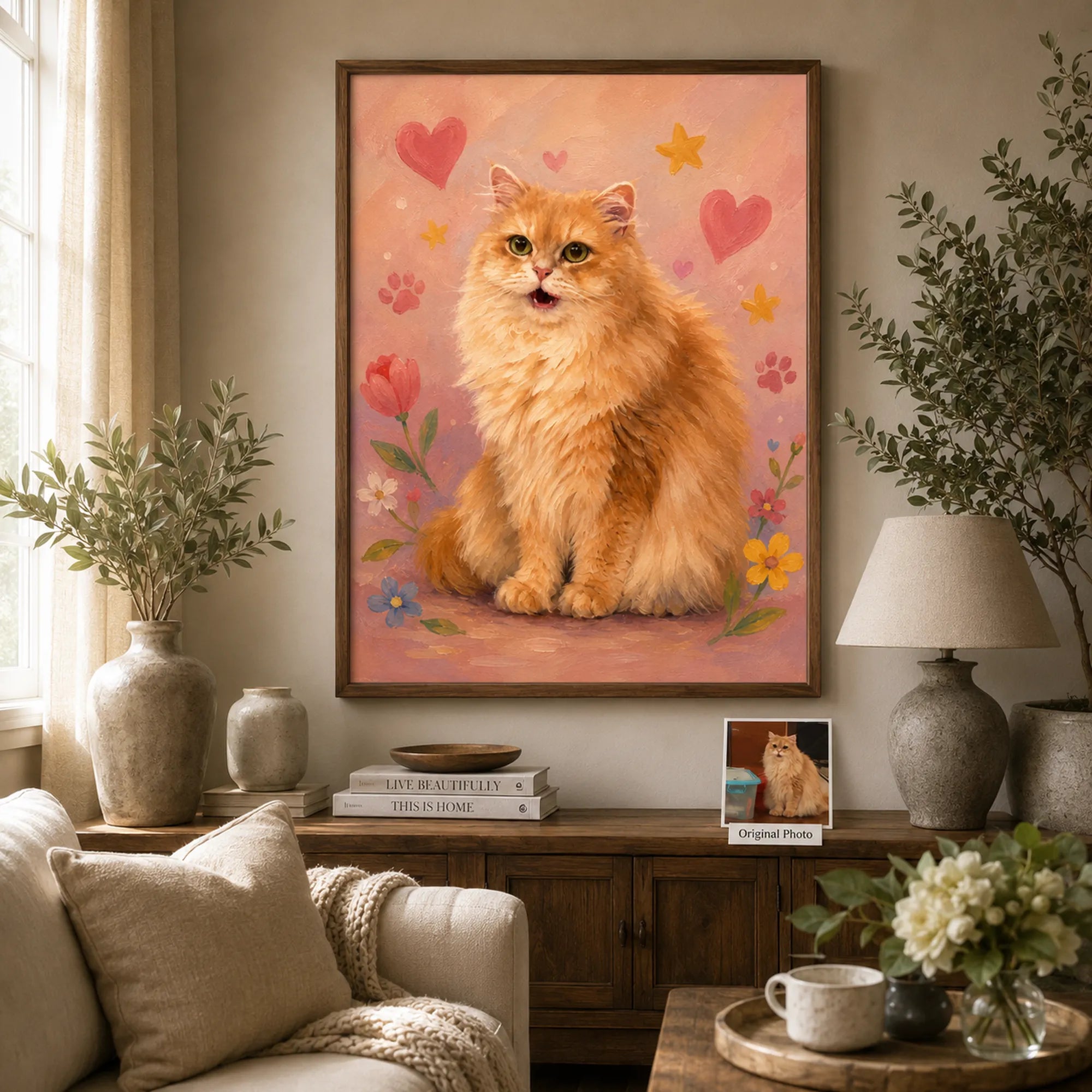
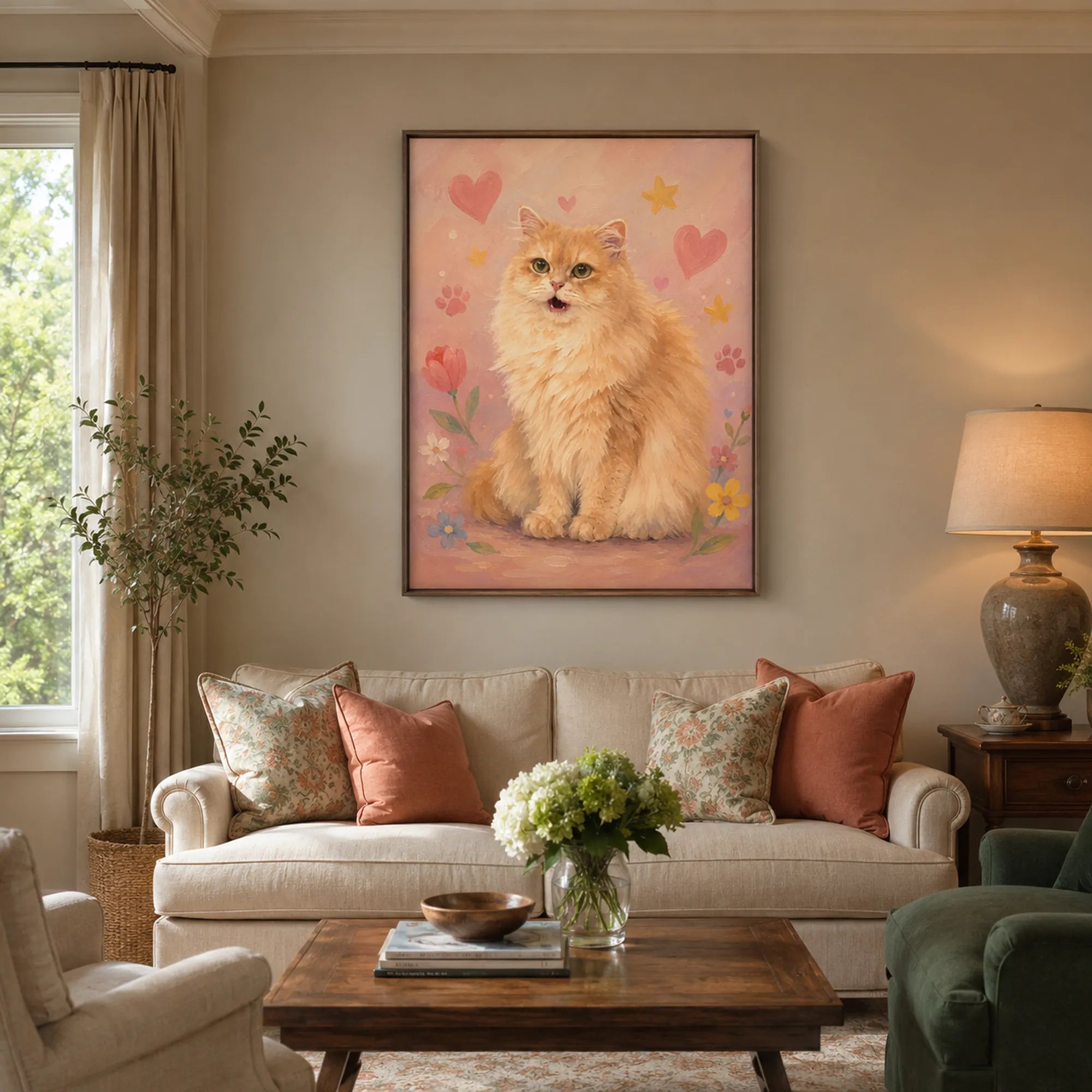
Custom Pet Portrait Oil Painting | Whimsical Pastel
Sale priceFrom $184.94
Regular price$369.88
Summer Sale · 50% OFF Custom Portraits

Complimentary concept preview
Upload your favorite photo and receive a complimentary concept preview within 24 hours.
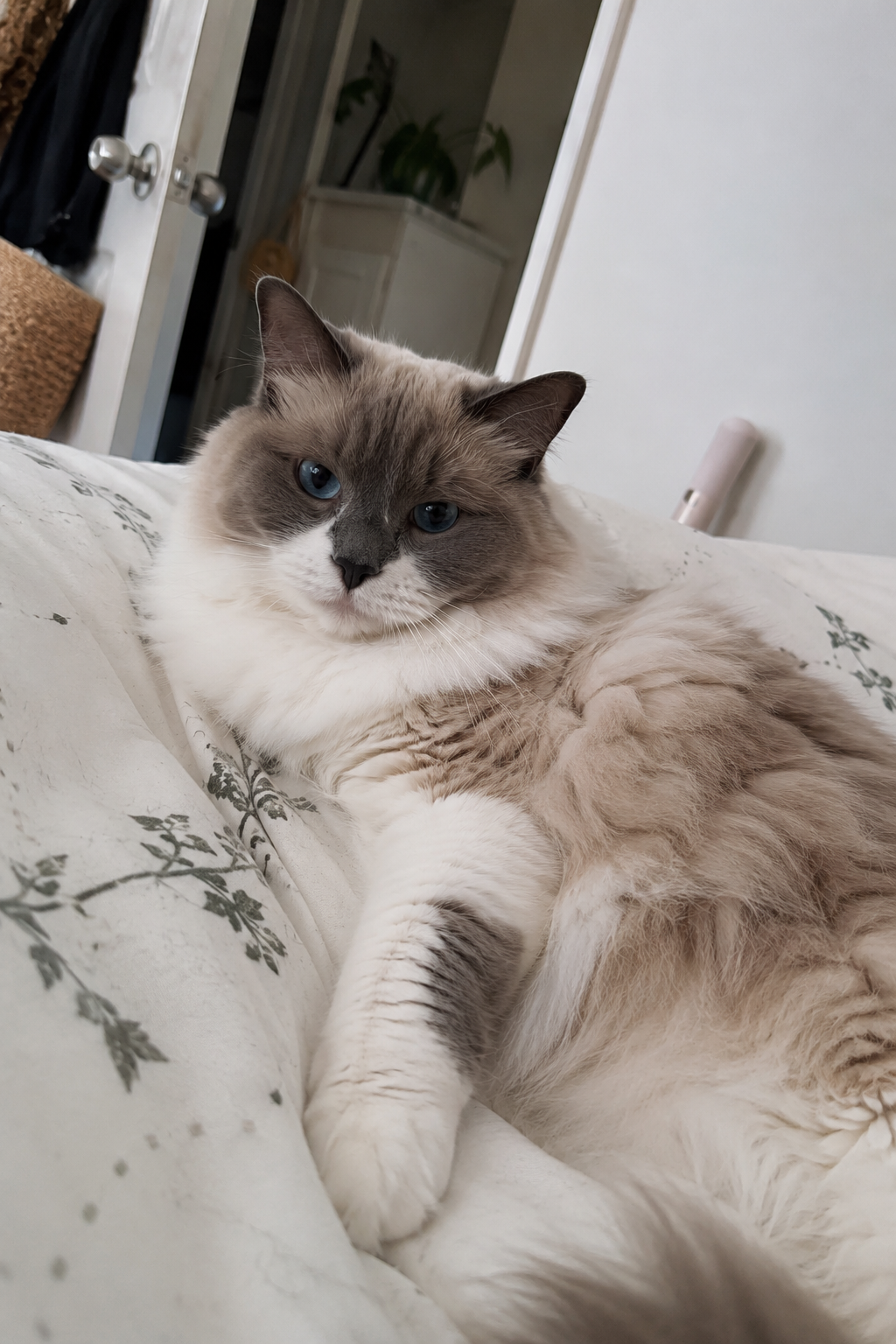
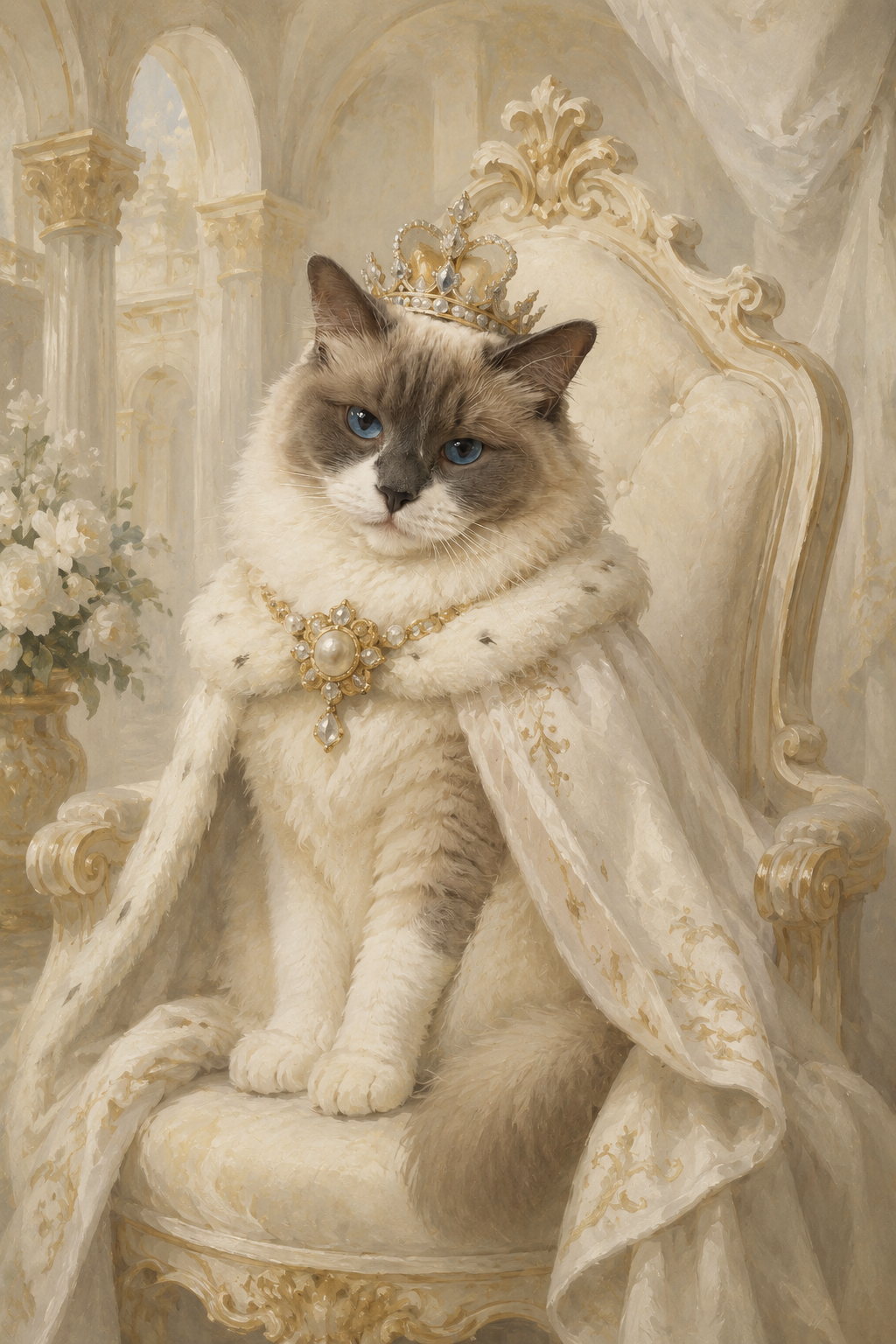
Your pet. Our art. A preview made just for you.
Upload your photo below and tell us what you have in mind.
READY WHEN YOU ARE
Already found a style you love? Choose a portrait below. You’ll receive a digital preview for approval before the final painting process begins.
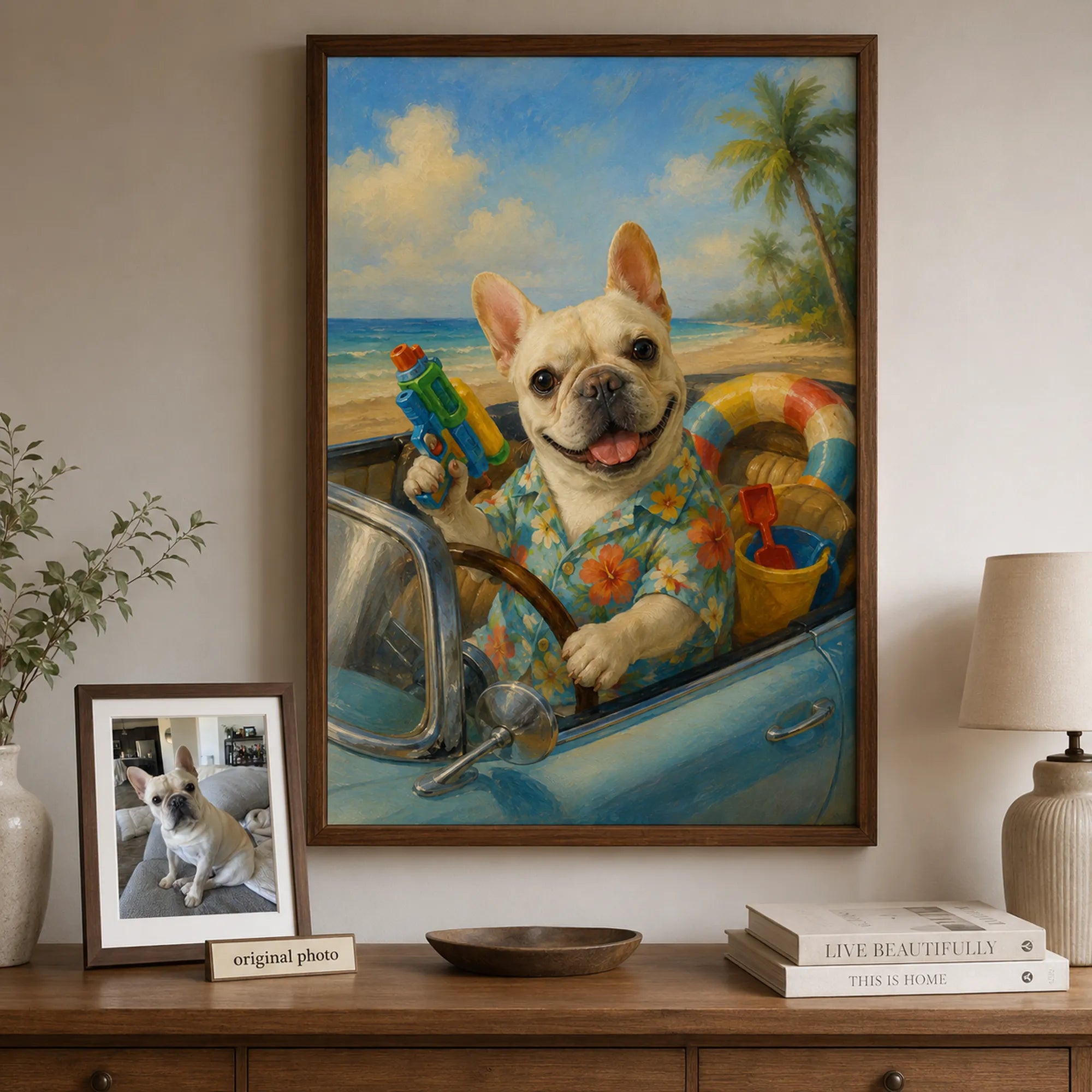
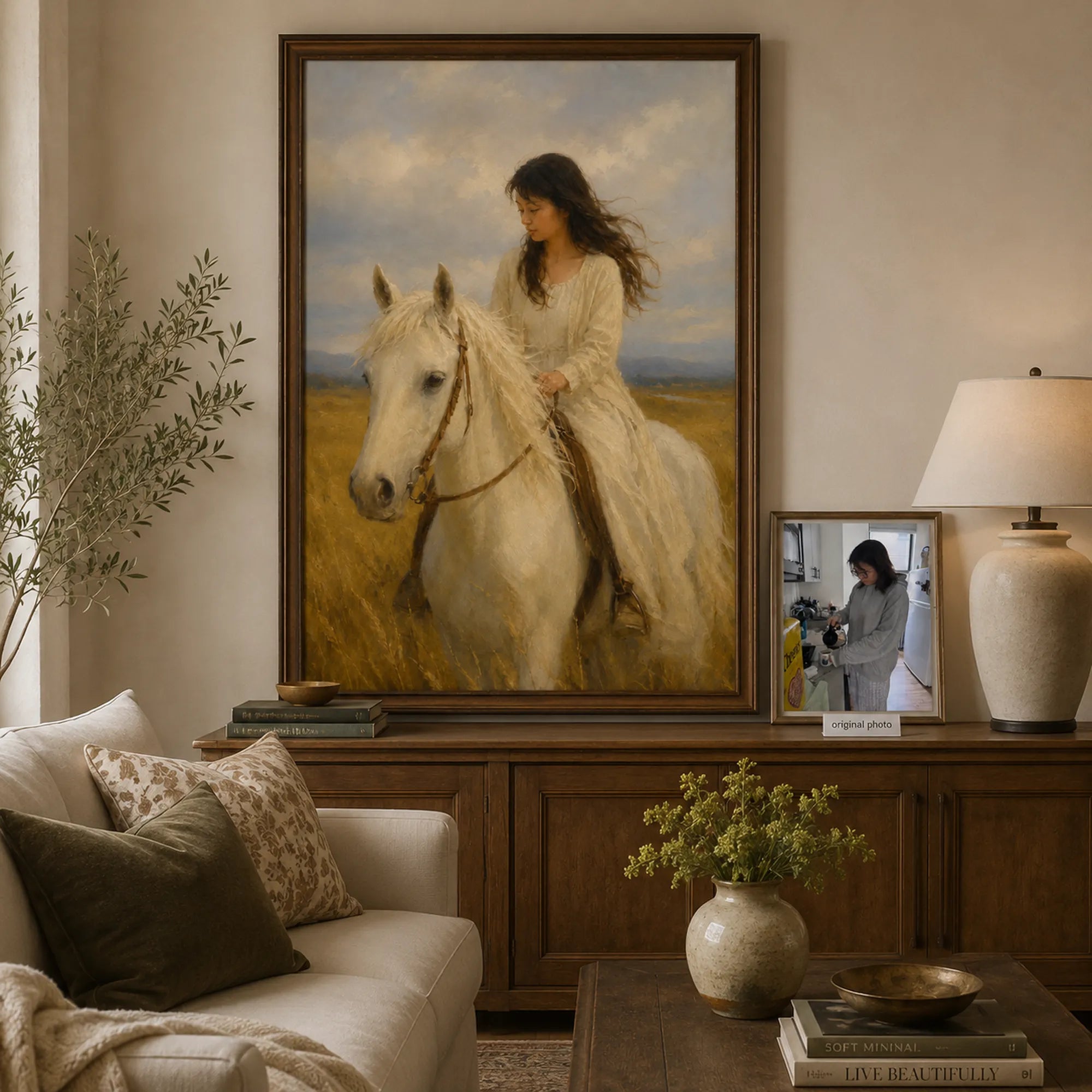
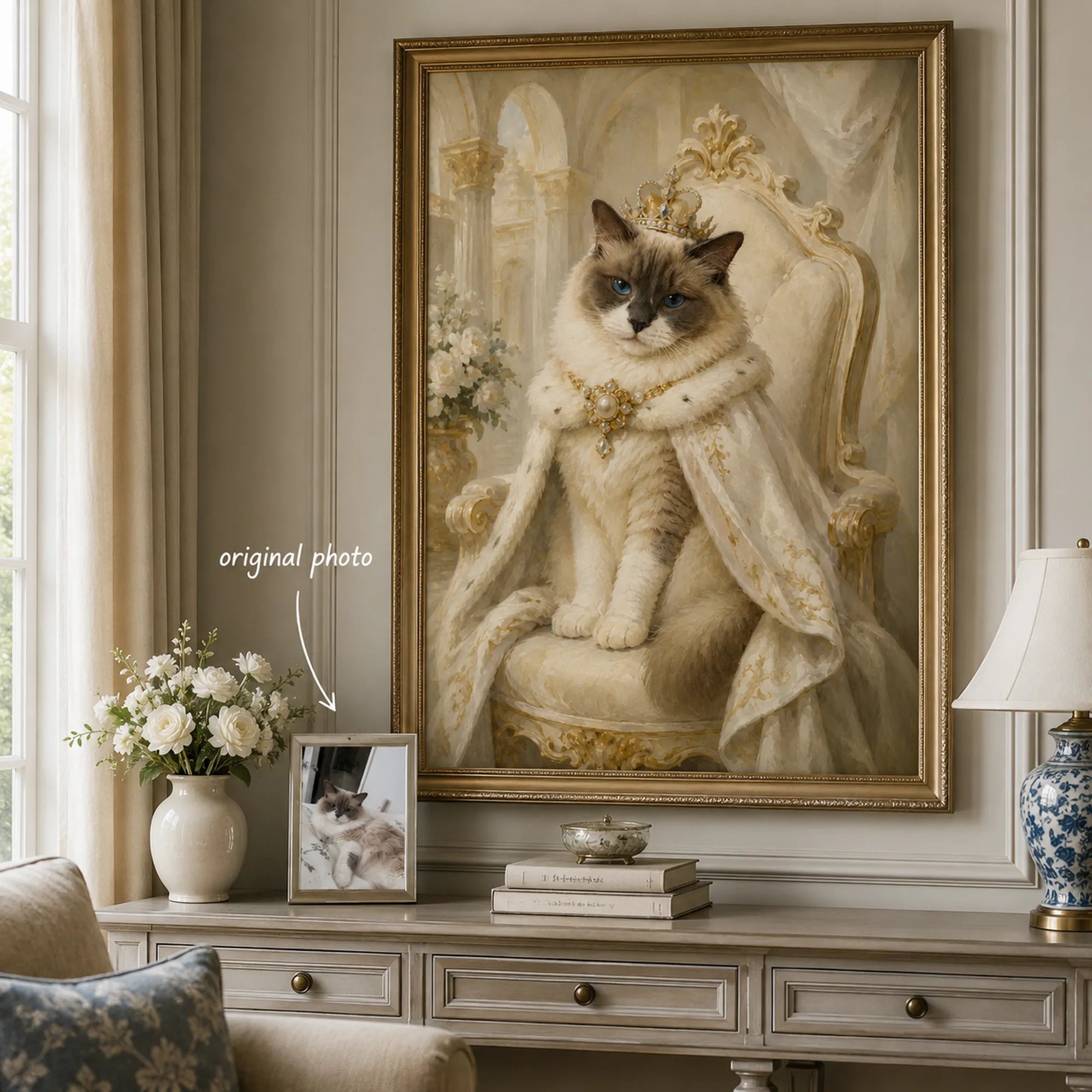
Send us a clear photo of the person or pet you would like included.
Our team will prepare a personalized concept preview based on your photo and preferences.
Your preview and the next steps will be sent to your email within 24 hours.
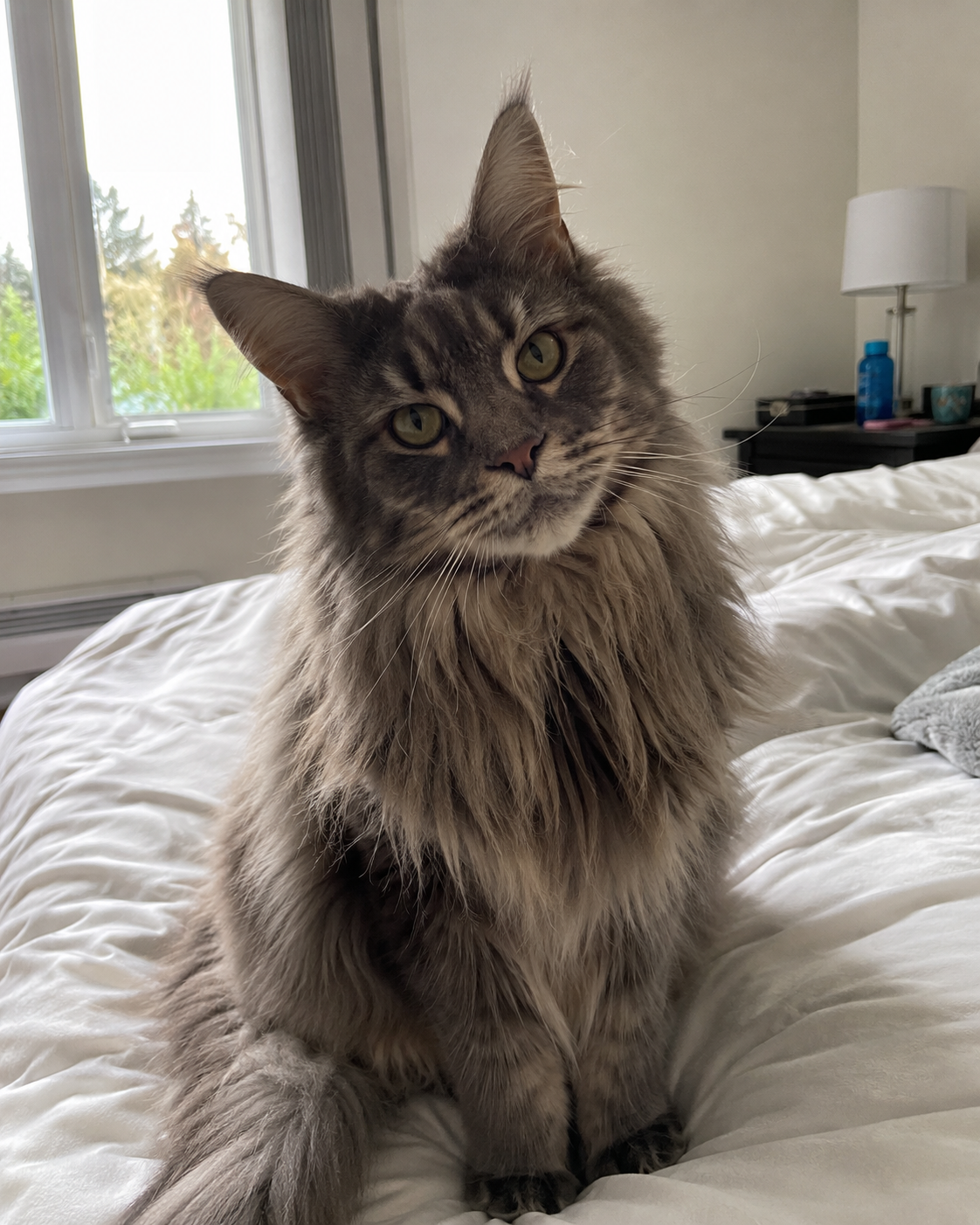
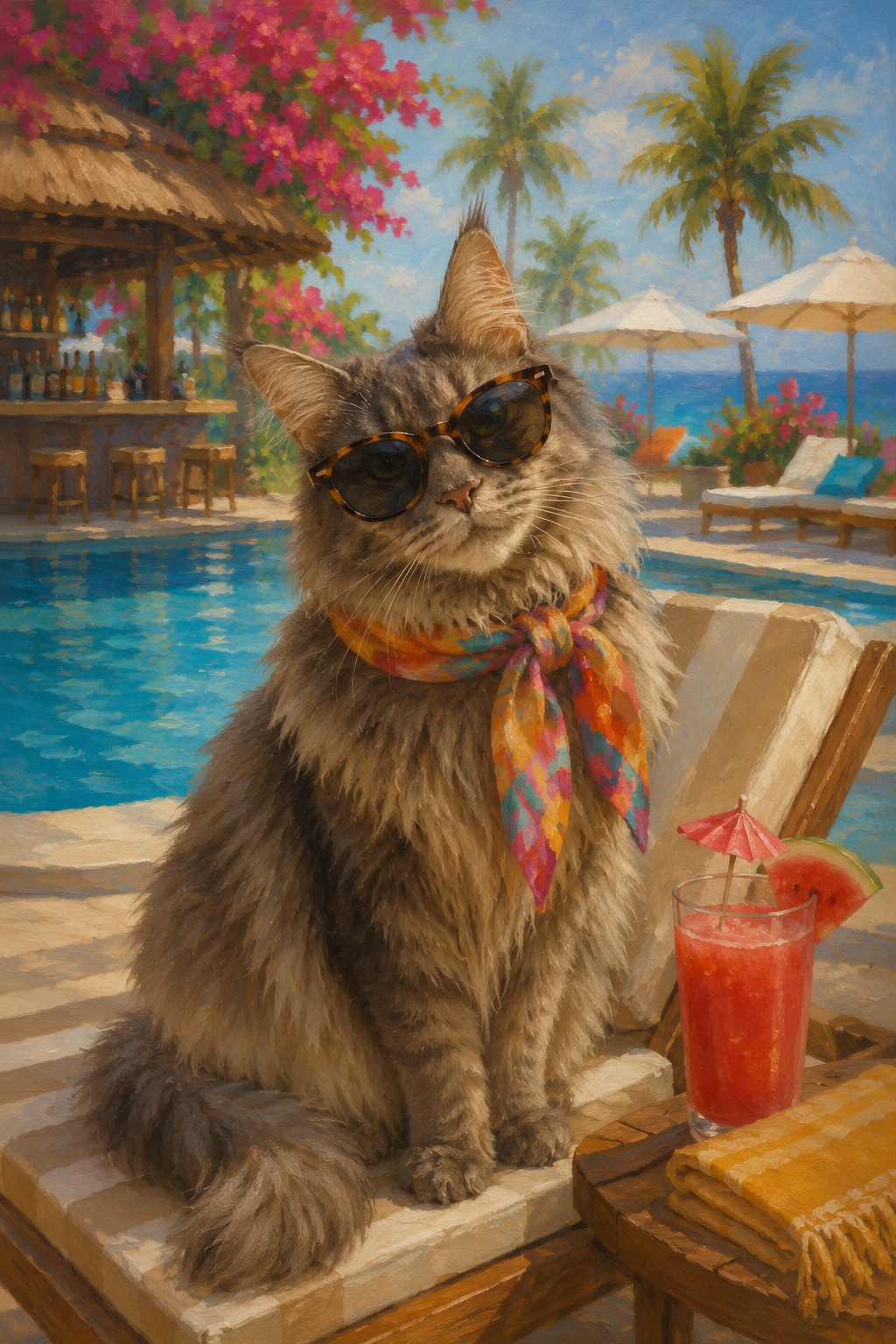
From your photo to a timeless portrait.
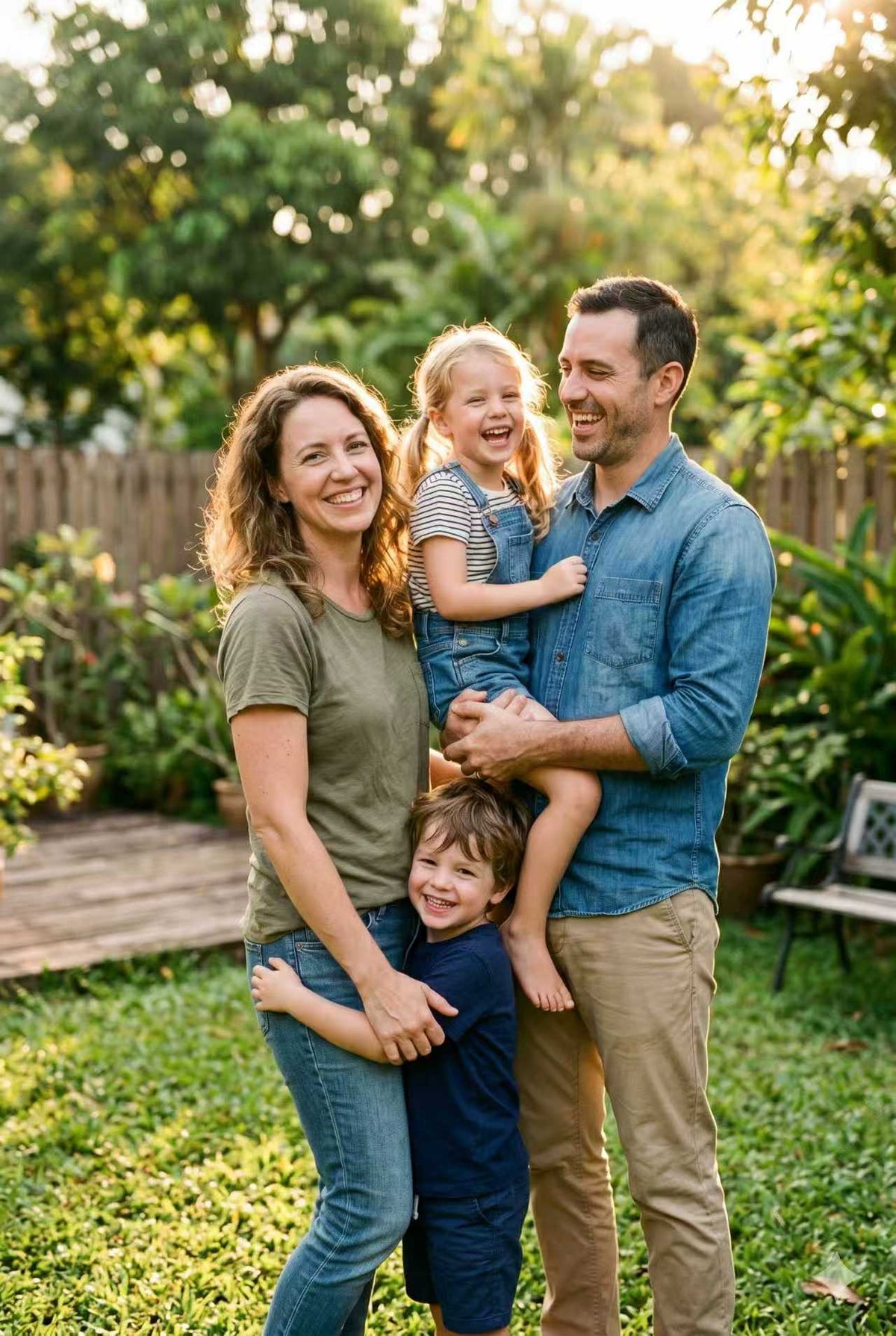
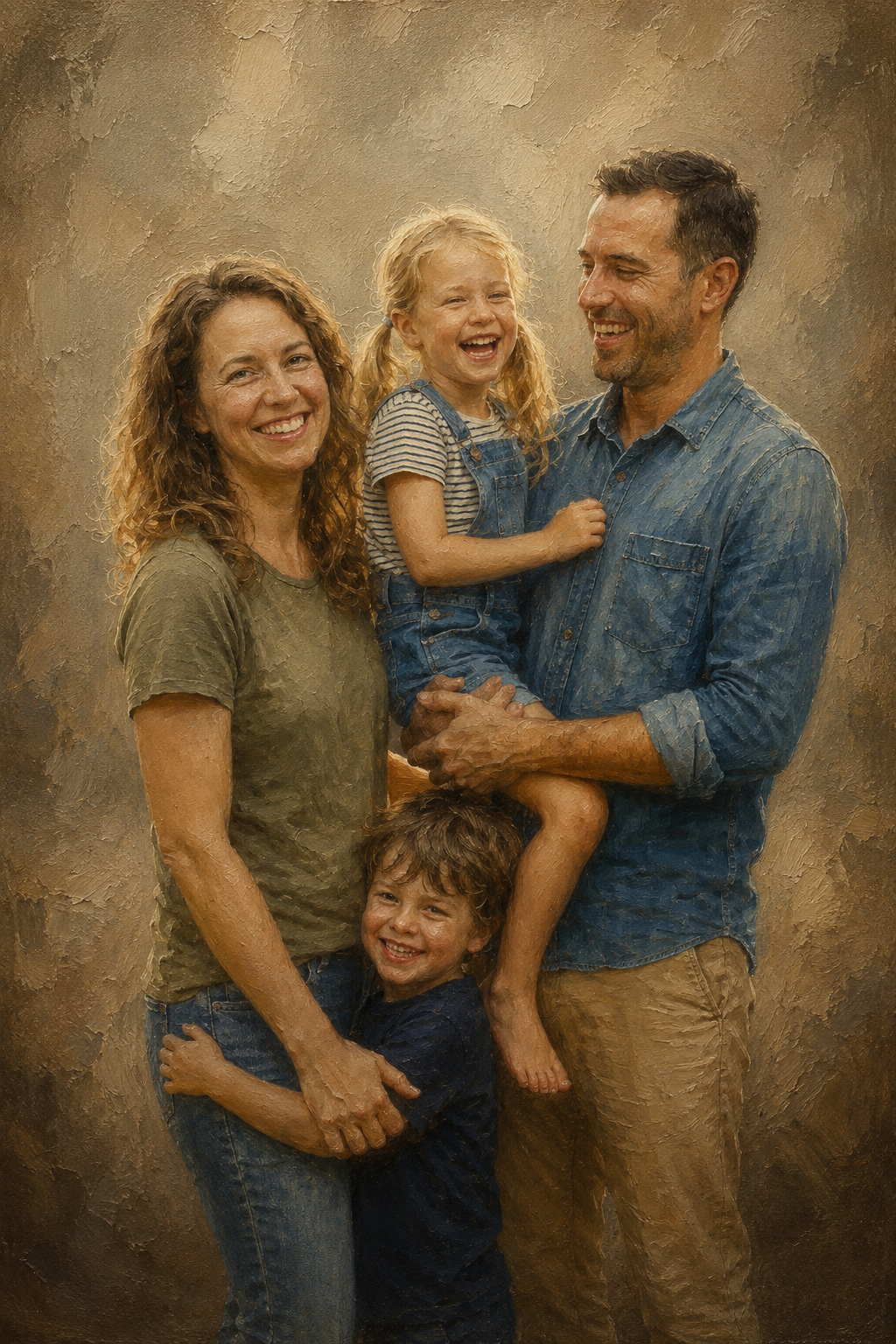
Bring your family together in one beautiful composition.
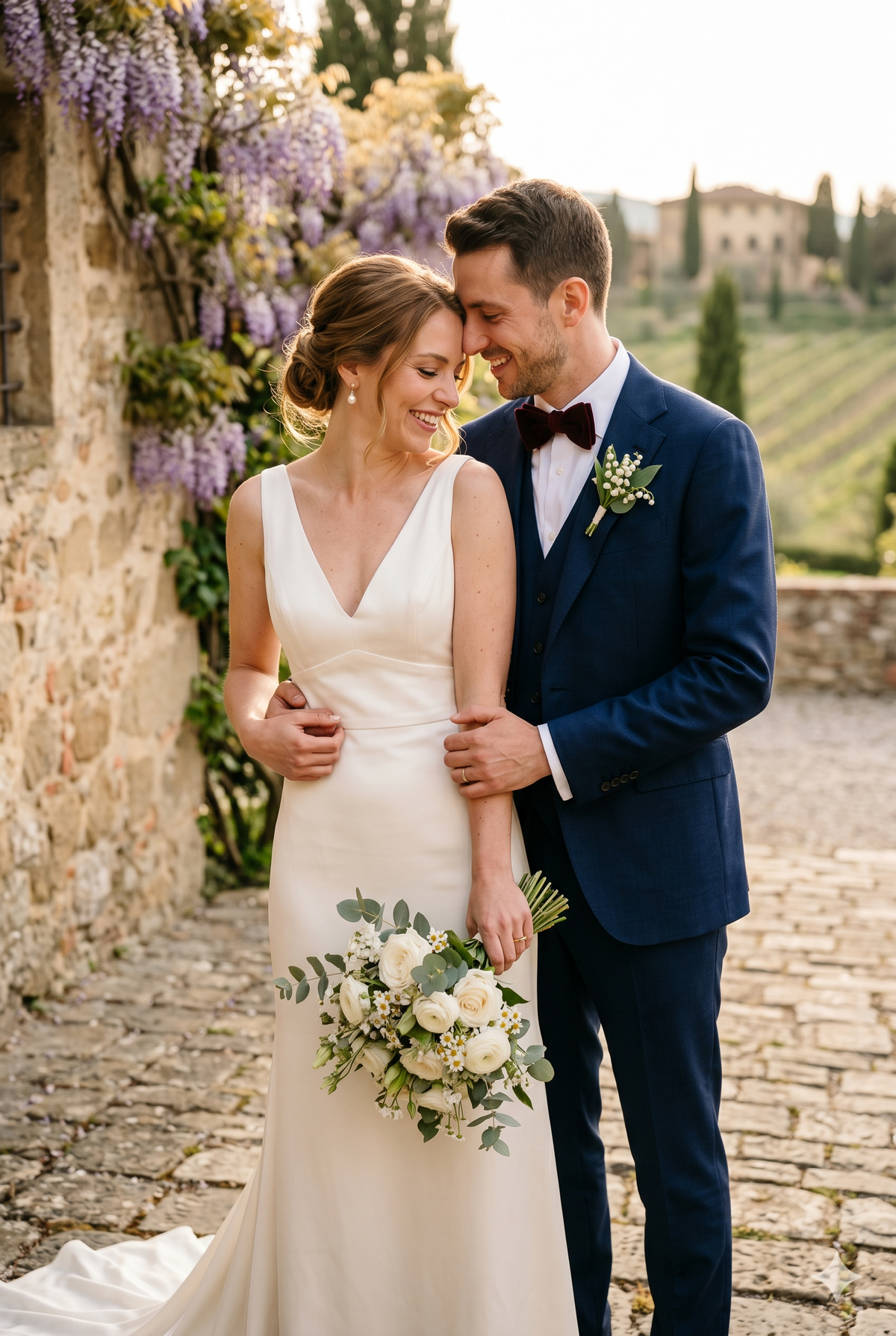
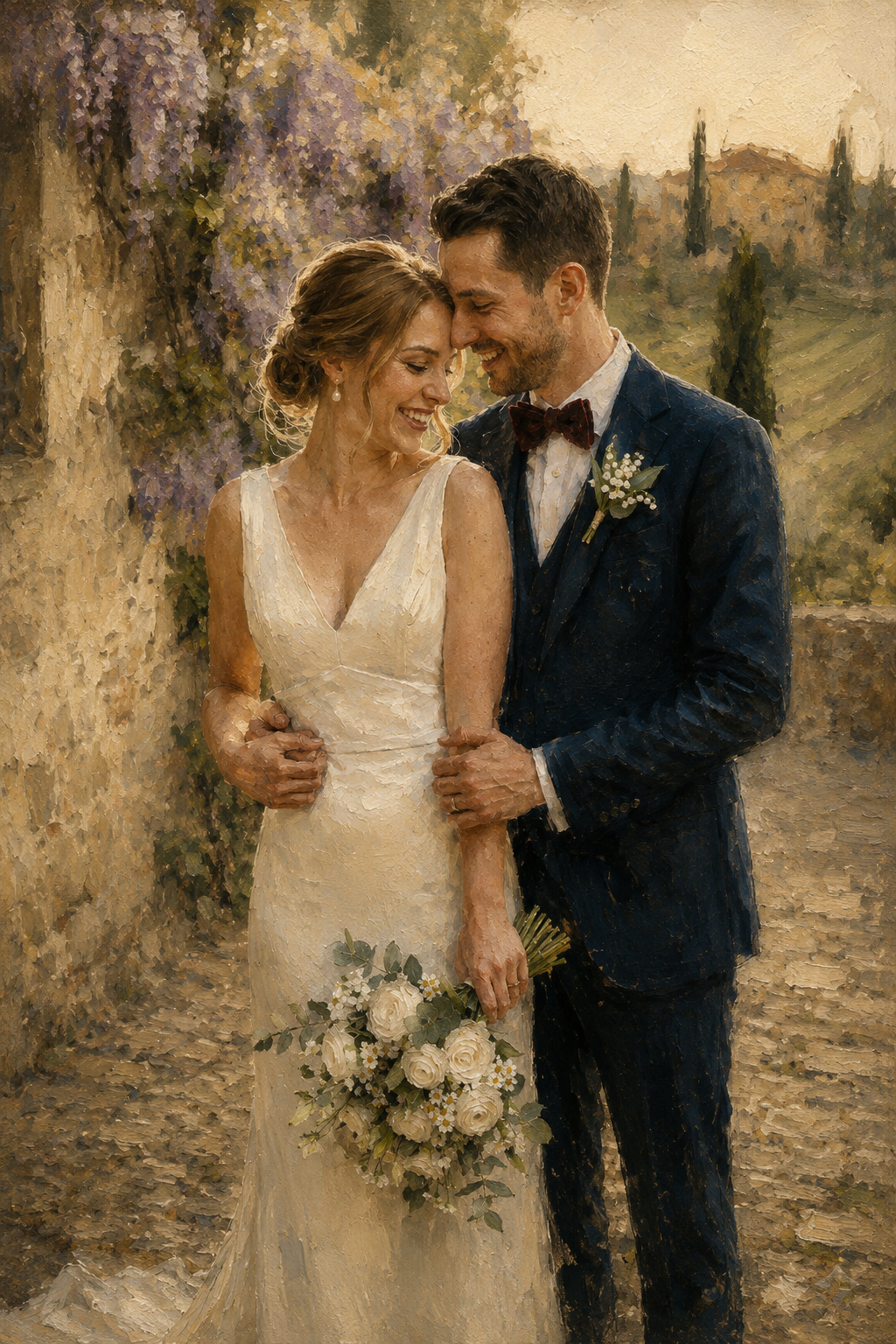
Celebrate your story with a personalized artwork.
Yes. Your first concept preview is complimentary, and no payment is required.
No. The preview is a digital concept used to confirm the composition, background, and overall direction before ordering.
You may reply to the preview email and share your feedback. Detailed revisions are available after an order is placed.
We’ll send it to the email address submitted with your request, usually within 24 hours. Remember to check your spam, junk, or promotions folder.